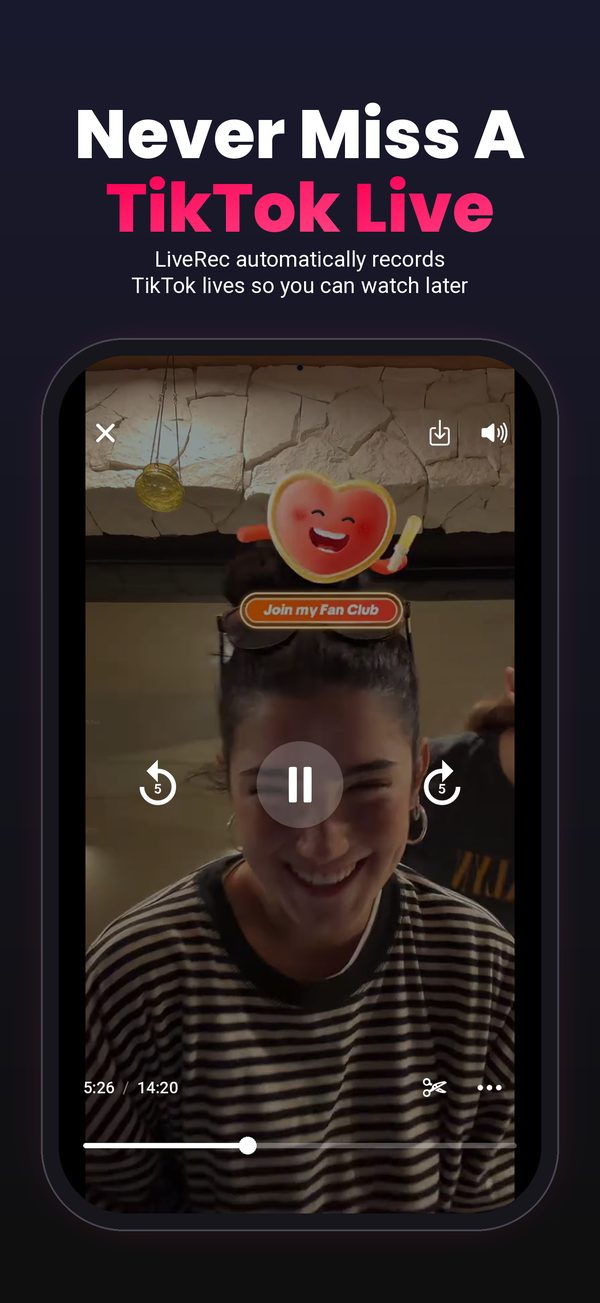
LiveRec is a TikTok live recorder that works in the cloud. Add your favorite TikTokers once and it automatically records every TikTok live they go on, 24/7 in HD, even when your phone is off or you're asleep. Watch later, clip the best moments, or download the whole live. iPhone and Android.

Set it up once. No TikTok login required.
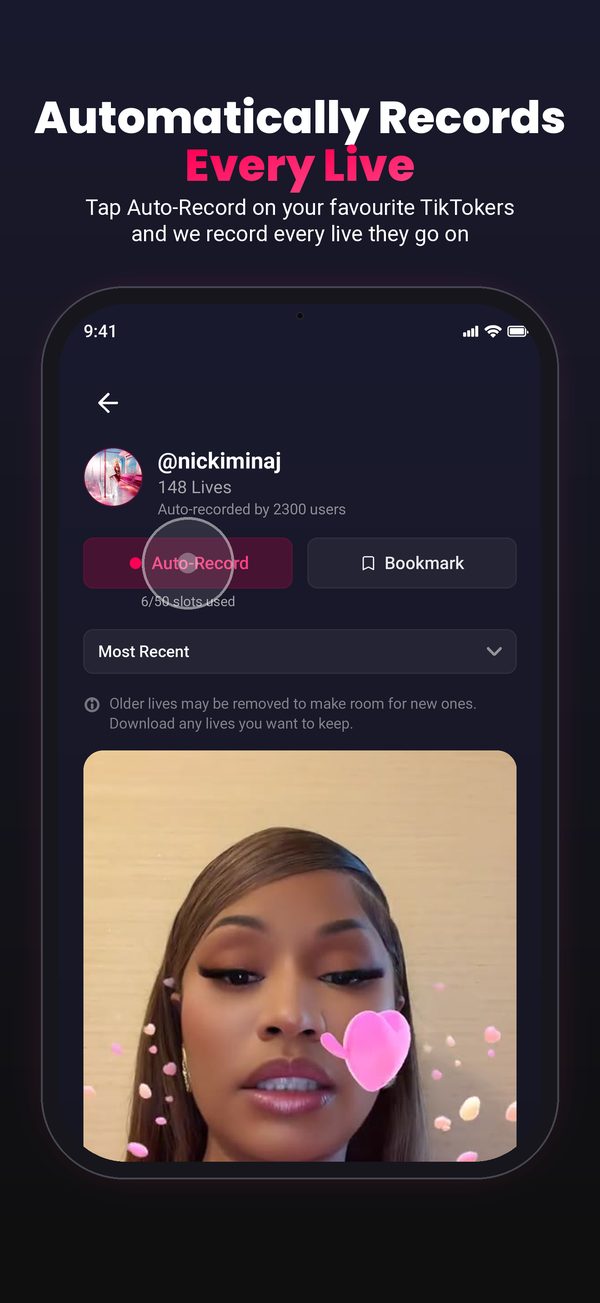
Type the username of any TikTok creator who goes live. Their profile shows every live that has already been recorded.
From that moment LiveRec automatically records every TikTok live they go on. Nothing to start, nothing to stop, and your phone does not need to be on.
When the live ends the recording is waiting in the app. Watch it from the start, clip the best moment, or download it to keep.
A recorder that works without you being there.
The recorder runs in the cloud, not on your phone. A live at 3am, during work, or while your battery is dead is still recorded from the first minute.
LiveRec records the source stream, not a screen. No notification banners, no black screens, no dropped audio. What was broadcast is what you get.
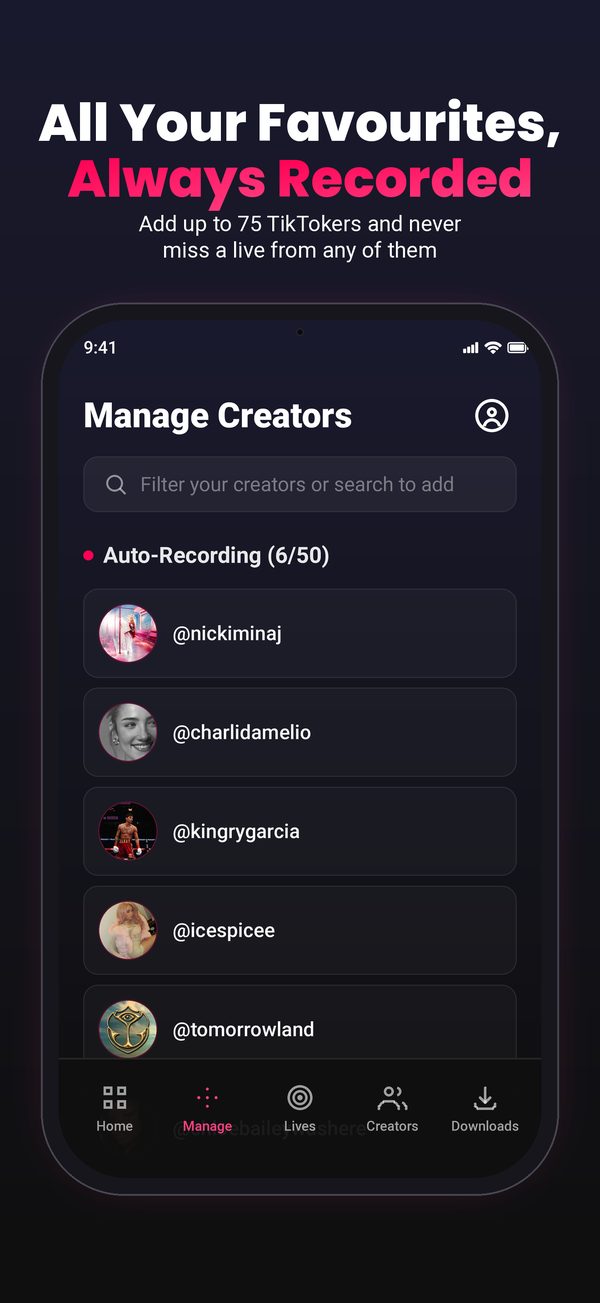
Add up to 15, 50, or 75 creators depending on your plan. When several go live together, each live is recorded separately.
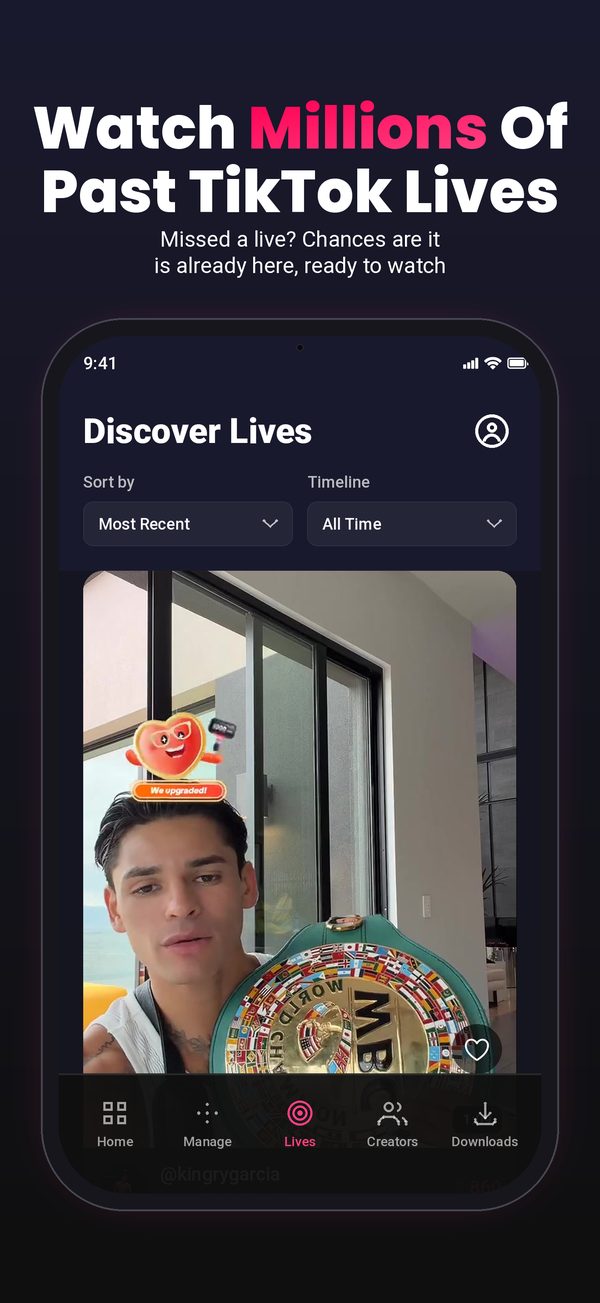
Every recording joins a shared library. Search any TikTok creator and you may find past TikTok lives that were recorded before you ever installed the app.
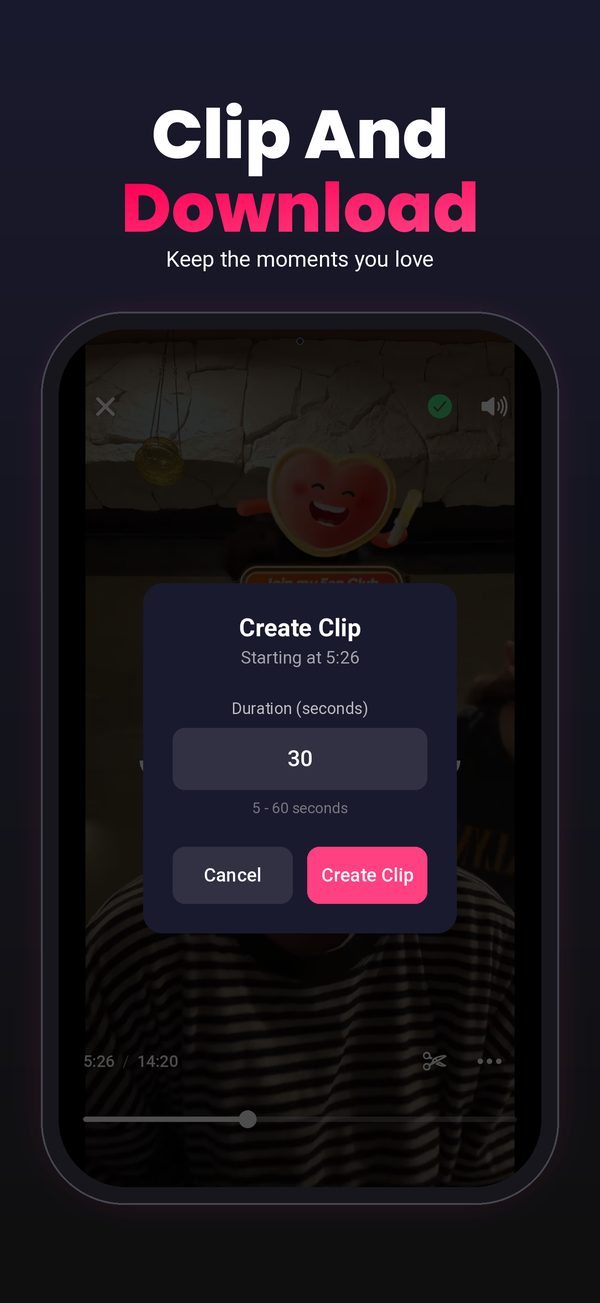
Cut a 5 to 60 second clip of the best moment, or download the whole recording to your camera roll.
You search creators by username. LiveRec never asks for your TikTok account or password.
A TikTok live recorder is a tool that saves a TikTok live while it is happening so it can be watched afterwards. TikTok does not keep lives for viewers, so without a recorder a live is gone the moment it ends. LiveRec is a TikTok live recorder that runs in the cloud and records automatically.
Yes. LiveRec records public TikTok lives from the creators you add. Search their username, tap Auto-Record, and every live they go on from then on is recorded. No TikTok login is required.
Yes. LiveRec records in the cloud, not on your phone. Your phone can be off, asleep, or out of battery and the live is still recorded.
No. Screen recording only captures what is on your screen while you watch, so you have to be there for the whole live and your phone is tied up. A cloud recorder like LiveRec records by itself, in HD from the source stream, whether or not you are watching.
It depends on your plan: 15 creators on Basic, 50 on Standard, and 75 on Premium. If several of them go live at the same time, each live is recorded separately.
LiveRec is free to install. Recording needs a subscription, which starts at $12.99 per month. Screen recording on your own phone is free, but it only works while you are watching.
Yes. LiveRec is available on the App Store for iPhone and on Google Play for Android, and one account works on both.
Yes. You can download any recording to your phone, or cut a 5 to 60 second clip and save that instead.
More on recording and rewatching: How to record a TikTok live, How to rewatch a TikTok live you missed, Can you rewatch a TikTok live?, Are TikTok lives saved?, TikTok live replay, TikTok live archive, How to watch old TikTok lives.